

| Demo Import, Theme Installation | December 8, 2023
After activating Reine theme and successfully and activating all theme required plugins the system is ready to import demo data. To import demo data One Click Demo Import plugin must be activated. One Click Demo Import plugin is given as theme required plugin here.
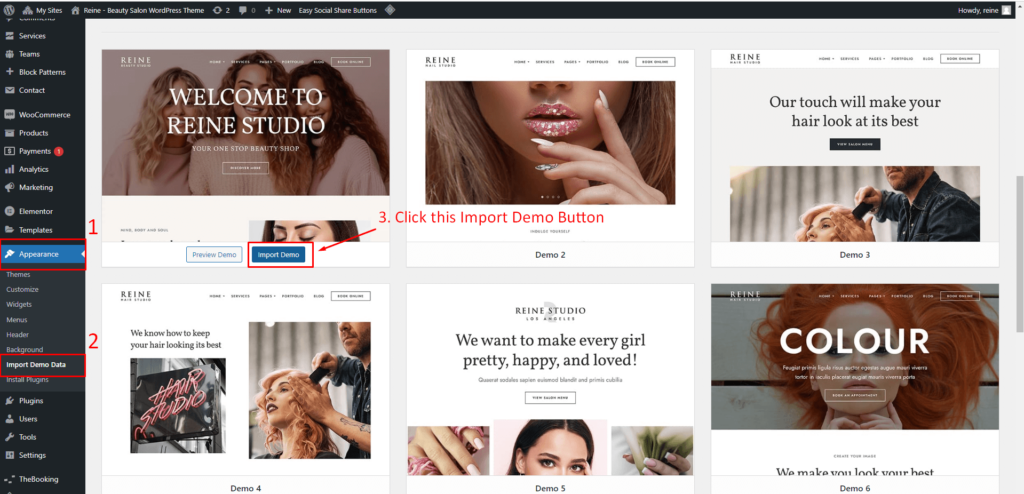
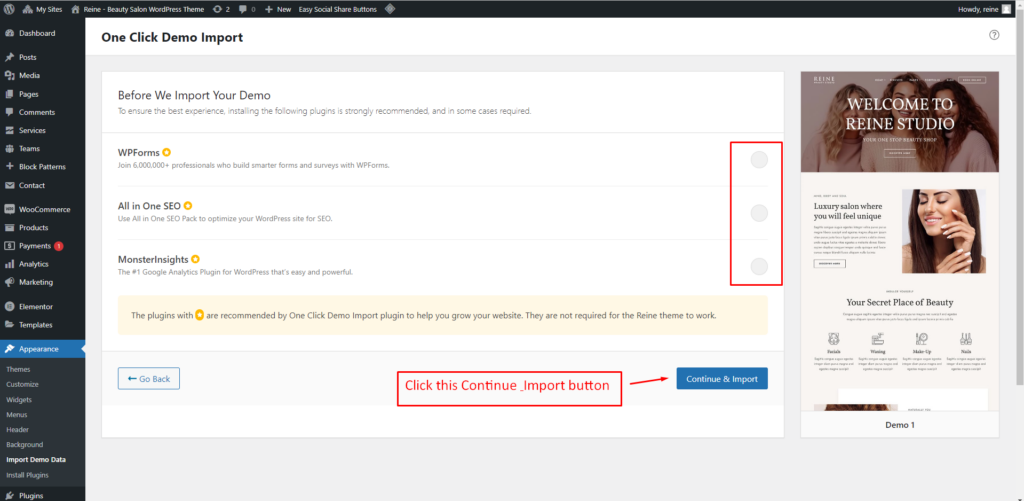
Go to Appearance -> Select Import Demo Data. Some Points to note:
- Make sure this is a fresh installation.
- Installed theme required plugins.
- While the installer is running please do not refresh the page.
- Select any layout to import
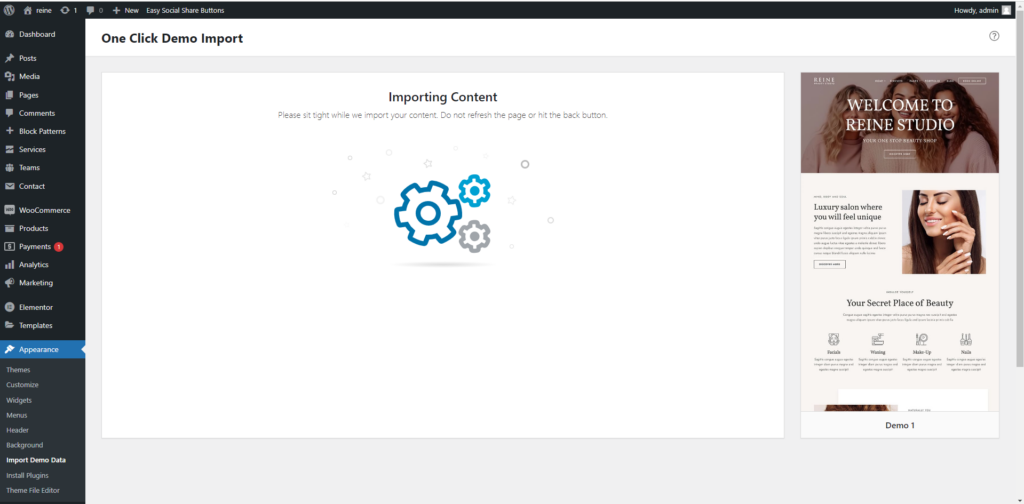
Importing Content
Please sit tight while we import your content. Do not refresh the page or hit the back button.
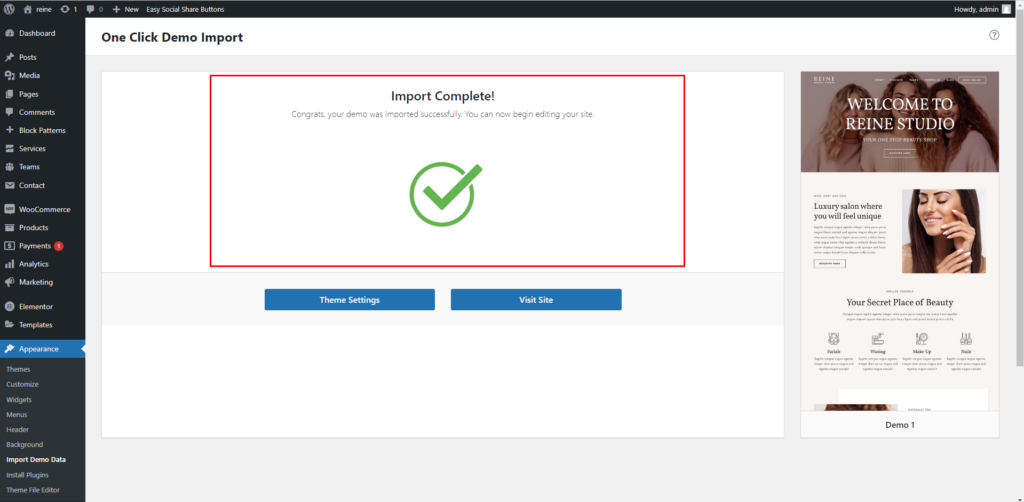
Demo data import completed Visit your site.